Windows
Full control: end trees, suspend, EcoQoS, services, ports, startup.
 Hasky
Now on 12 platforms
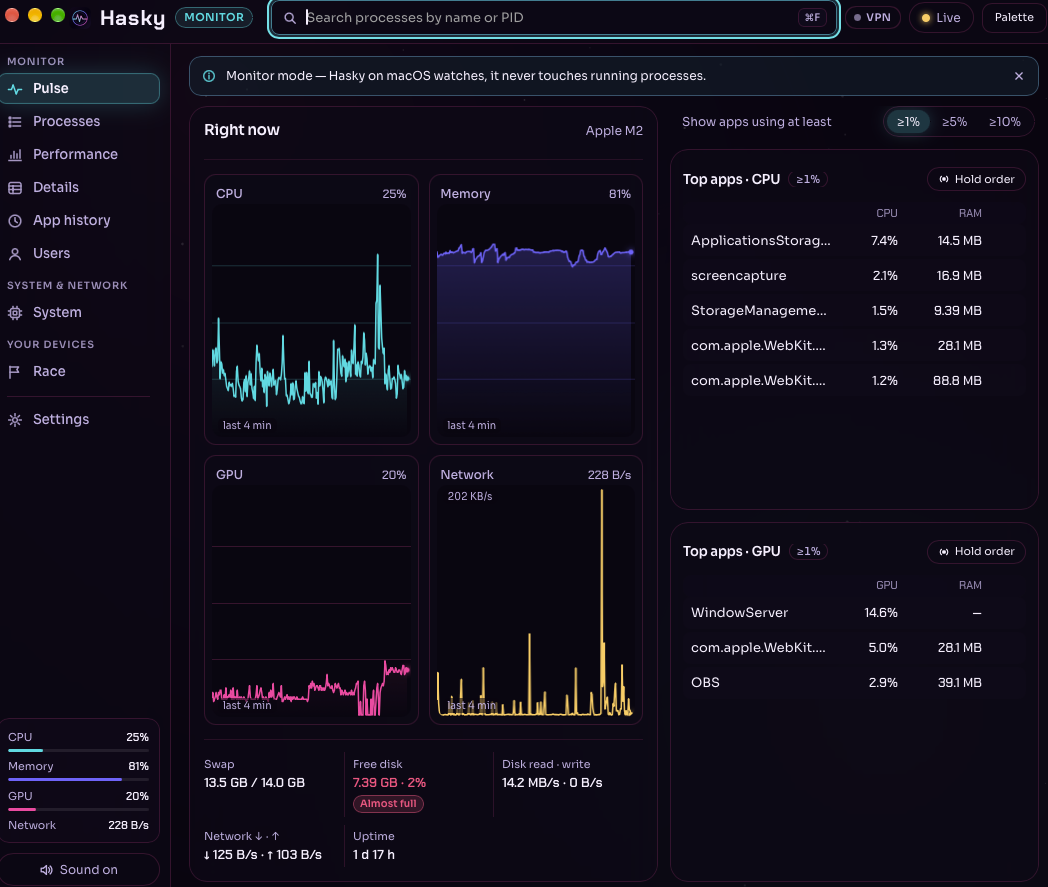
Live CPU, memory, GPU, disk, network, and processes — on your desk, in your pocket, on your wrist, and on the big screen. Full control on Windows, monitor-first where the platform says so, and never a number we made up.
Platforms
Same honest telemetry everywhere. Each build does what its OS allows — and tells you plainly when it can’t.
Full control: end trees, suspend, EcoQoS, services, ports, startup.
Monitor-first, inside the Mac App Store sandbox. Per-process GPU.
Native desktop build with live CPU, memory, disk, and network.
Processes and per-core load on a rock-solid base.
A light, fast build for people who read the numbers.
The full dashboard on a bigger canvas, for iPad and Android tablets.
Device monitor: CPU, memory, storage, network, battery, thermal.
Your phone’s vitals and your whole fleet, wherever you are.
Fleet pages, offline alerts, and Smart Stack widgets.
Built for Huawei phones and tablets, with your fleet along for the ride.
Your fleet dashboard on Apple TV — a calm wall of live charts.
Every device, live, in any browser. Nothing to install. Open it →
Why Hasky
Task Manager depth without the clutter. Every surface is tuned for clarity and speed.
If DXGI or a disk counter is unavailable, you see an em dash—not a reassuring zero. Hasky reports what each OS actually exposes.
Sign in once and watch every machine from your phone, your watch, your TV, or the web dashboard.
End process trees, suspend, EcoQoS, affinity, services, listening ports, and policies on Windows.
Telemetry stays on your device unless you choose to sync your fleet.
Sampling runs on a background thread. Sparklines update without animating every tick.
Store listings and downloads are on the way. As each one goes live, this page links straight to it.